Files and previous work
Start new tasks with the materials you attached and documents you already created.


Documents, design, service development and ongoing work
Bring your separate AI tools together in ez2AI.
Work files, conversations and memory stay on your PC.
From gathering materials to ongoing work, each step builds on the last.
AI that works and builds on your PC
Start at the step you need. Your materials and work history carry forward.
Business preparationBusiness plans and grant applications
Daily workProposals, reports and email follow-up
ManagementMeeting decisions and progress
Business reviewMarket research and financial projections
Bring company knowledge together.
Manage work in an AI workspace.
Company terminology, earlier decisions and reference materials carry into the next task.
When the materials aren't enough to decide, it asks you.
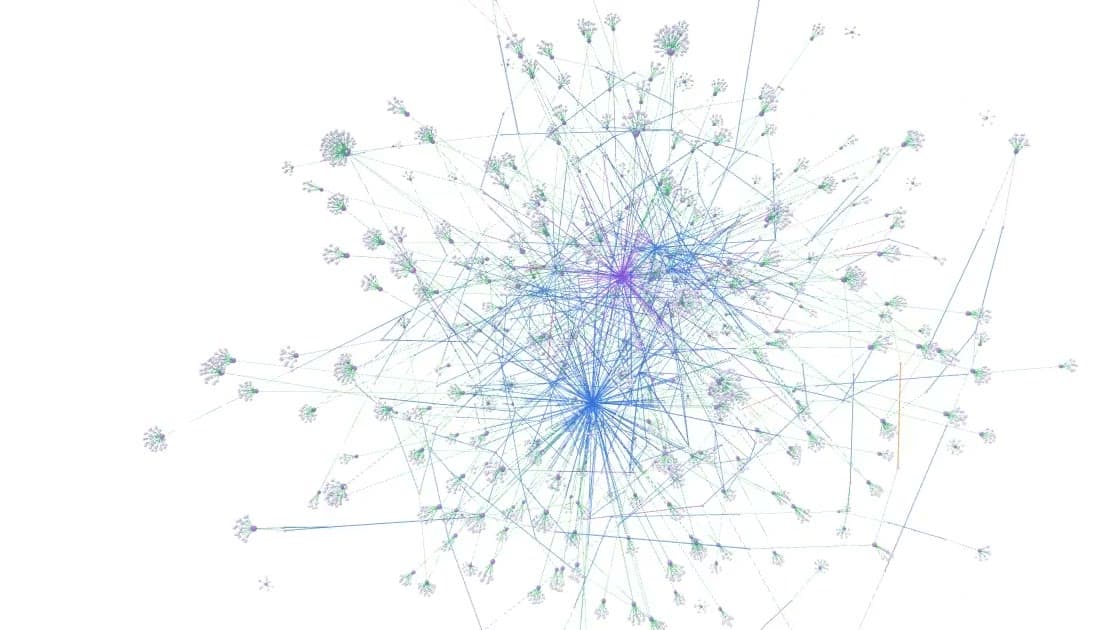
How memory and materials connectStart new tasks with the materials you attached and documents you already created.
Use client requests and attachments to prepare proposal and reply drafts.
Carry company terminology, writing style and agreed conditions into the next task.
Continue development using connected screen and feature designs, API specifications and databases.
Agent works on your PC. Works connects company knowledge and tasks.
Bring together documents, databases, web pages, messages and meeting records.
Client requests and meeting decisionsManage related materials, owners, schedules and progress together.
Proposal owner and submission deadlineWork on your PC using connected company knowledge.
A proposal based on product materials and requestsShare only what you choose, and use it again in the next task.
Reviewed proposal and follow-up recordsAgent work files, conversations, source code and memory are stored on your PC.
These materials are not sent to ez2AI servers. You choose what to share with your company in Works.
From business plans to services that run on your PC.
For each deliverable, see what materials to prepare and how to begin.
These are just some of the things you can create. You handle server deployment and configuration for production use.
Data relationship reconstruction test
Recall: the proportion of expected relationships found
Precision: the proportion of reported relationships matching the reference answers
A KOLAS-accredited laboratory tested the neural network's data relationship reconstruction performance.
Test conditions and resultsReport KST-26-131 · Issued August 4, 2026 · 1 false positive
These results cover data relationship reconstruction under the stated test conditions. They do not evaluate document generation, answer generation or Agent's understanding of work.




Have a document to write or a service to build? Give ez2AI its first task.
Sign up, install Agent, and share your materials and request.
Sign up and get startedTell us who will use it and what work you need done. We'll explain deployment options and costs.
Discuss enterprise adoption